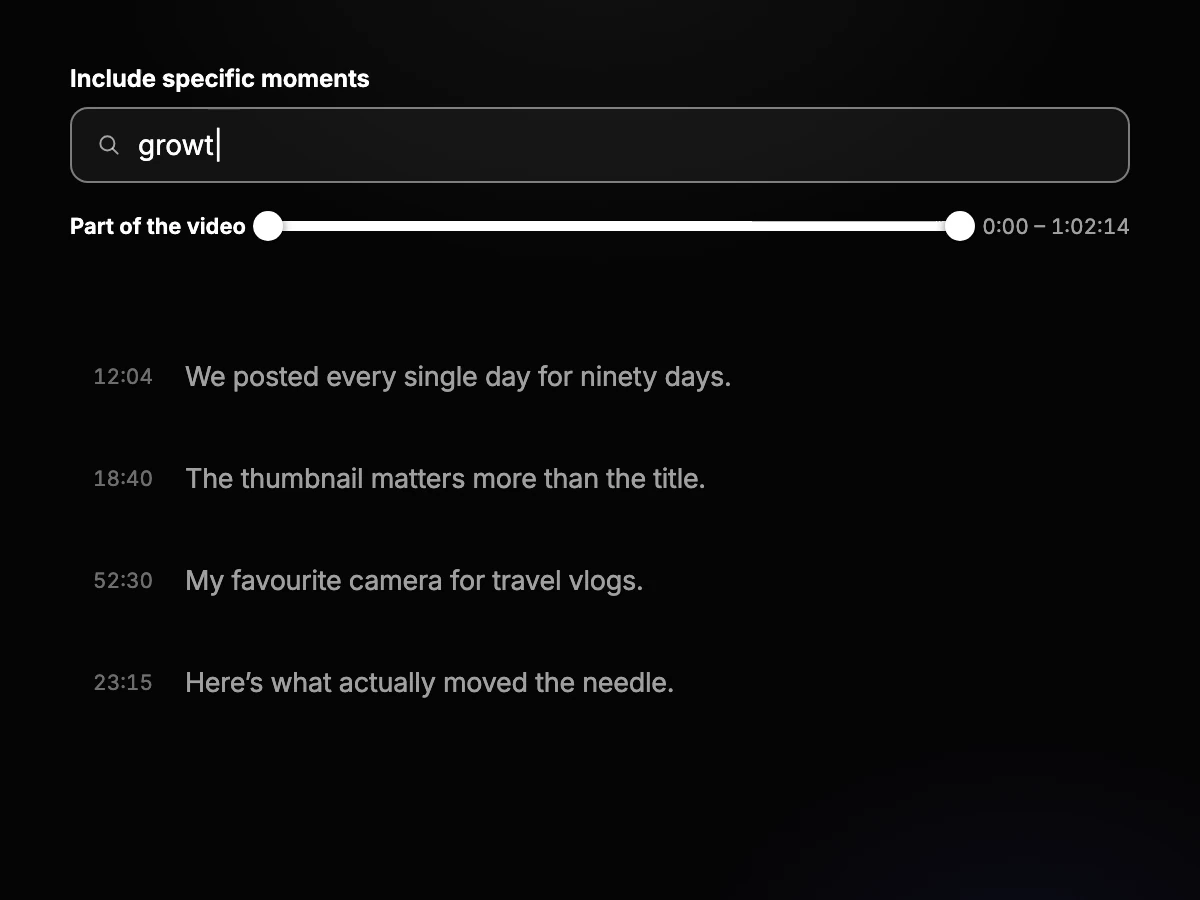
Finds the moments worth posting
Ask for a topic in your own words and pick the part of the video to use. StoryCut looks there first and ranks what it finds with a viral score.
Include specific momentsPart of the videoViral score
Paste a link. StoryCut finds the moments worth posting, keeps the speaker in frame and edits every clip with captions, zooms, B-roll, sound and music, ready for TikTok, Reels and Shorts.

One link in, the best moments out: ranked, framed on the speaker and captioned.
Trusted by 5,000+ creators and businesses worldwide
StoryCut reads every word, ranks every moment for its hook, value and payoff, and cuts clips that start on the first word and end on a point.
Ask for a topic in your own words and pick the part of the video to use. StoryCut looks there first and ranks what it finds with a viral score.

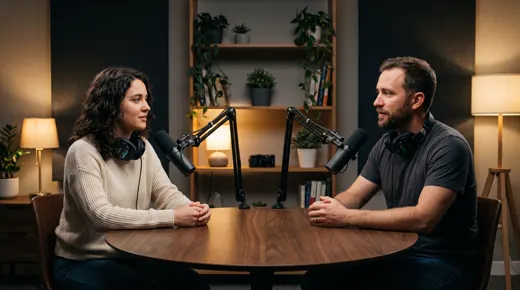
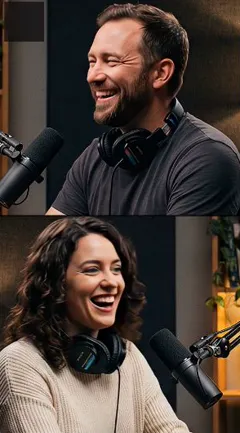
Speaker detection follows whoever is talking and reframes 16:9 into 9:16. Two people at once? The clip splits so both stay on screen.
Connect your YouTube channel once. Every new video becomes clips with your captions, your edit style and your music, while you make the next one.
 58:20

New uploads on your YouTube channel start a clips run by themselves, on paid plans. No links to paste.
Learn more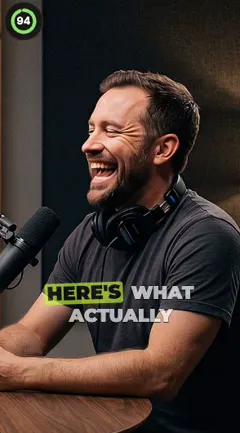
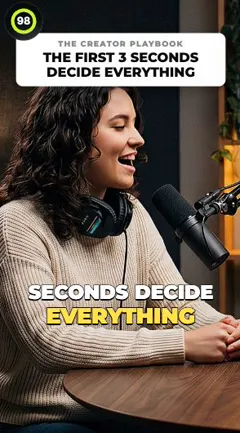
 CaptionsZoomsMusicB-roll
Your edit style on every clip: captions, zooms, sound effects, music and B-roll, the same way every time.
Learn moreA title, description and captions written for YouTube, TikTok and Instagram. Download in up to 4K, or send clips to your own tools.
18 edit styles made from how pro editors cut each kind of video: calm for interviews, punchy for TikTok, clean for LinkedIn. Pick one once and every clip follows it, subtle, balanced or bold.
Every example is a real StoryCut export of the same video. How edit styles work
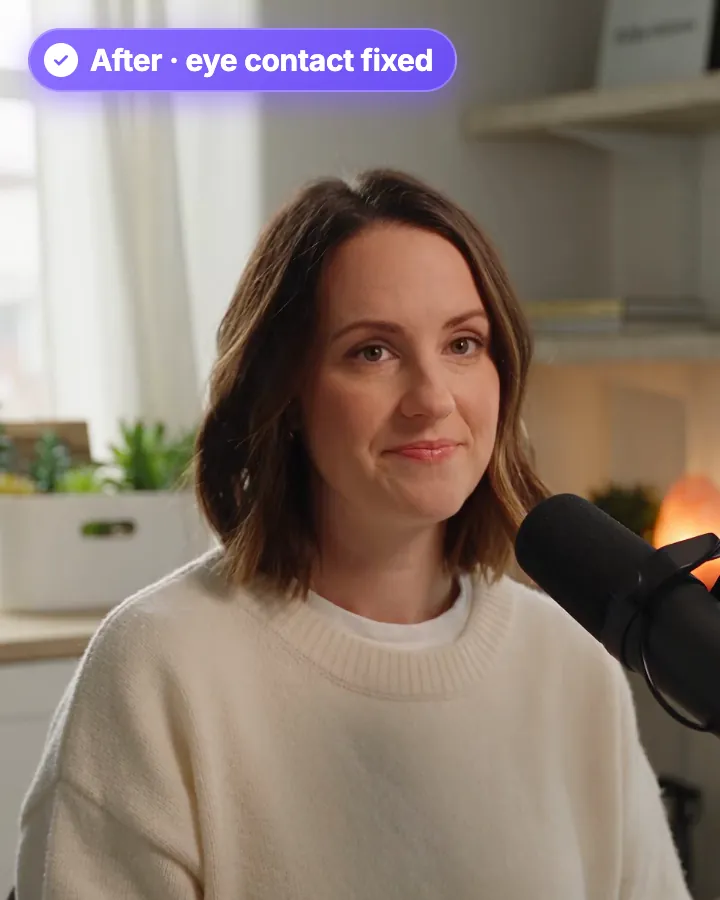
StoryCut moves your eyes to the camera on every frame, same take, same voice. Viewers stay with someone who looks at them.
No second app for the sound, the subtitles or the headline.
Make your first clips free. Paid plans add more videos, 4K and the Pro editing tools.
Black Friday6 months free on every yearly plan.Ends Tuesday, December 1See the offer
Then $84 a year. Renews automatically; cancel anytime.
6 months freeThen $168 a year. Renews automatically; cancel anytime.
6 months freeThen $468 a year. Renews automatically; cancel anytime.
6 months freeYearly plans renew at their regular price after the first year. Cancel anytime in Settings → Plan & billing.
Paste a YouTube link or upload a file. StoryCut transcribes it, reads the whole conversation, ranks every moment for its hook, value and payoff, and cuts the best ones into vertical clips that start on the first word. Each clip is framed on the speaker, captioned and ready to edit or export.
About 10 to 15 minutes for an hour of video. You can close the tab: you get an email, and a notification if you allow it, when your clips are ready.
Podcasts, interviews, talking-head videos, webinars, lessons and streams: anything where people talk. StoryCut works in 50+ languages.
Yes, on paid plans. Connect your YouTube channel once and every new long video starts a clips run with your saved settings: clip length, captions and your edit style. Each new video counts toward your plan’s AI Clips hours for the month.
Yes. The free plan makes clips from one long video a month (any 30 minutes of it: the first 30, or a part you pick) and exports in 720p with a watermark. Paid plans add more videos, longer sources, 4K, no watermark and the Pro editing tools.
No. StoryCut handles the technical work automatically. Upload a video, adjust what you want, and export. First-time editors get professional results on their first project.
99.5% word-level accuracy across 50+ languages. Every caption is fully editable with precise timing controls, so you have complete control over the final output.
Yes. Choose from 1,000+ community styles, build your own with custom fonts and colors, or describe your vision and let AI generate a unique style. Save brand kits to keep every video consistent.
Import MP4, MOV, AVI, or WebM. Export in up to 4K at 60fps on Business plans. All plans include HD output as standard.
Cancel anytime with one click. Your access continues through the end of your billing cycle. No contracts, no cancellation fees, no questions asked.
 AI viral clips
Paste a YouTube link and watch your best moments turn into clips, edited and ready to post.

AI video editor for creators who want viral content without the editing grind.
Features
All FeaturesAI CaptionsHormozi CaptionsMrBeast CaptionsAdd Subtitles to VideoSubtitle GeneratorAI Video EditorAI Clip GeneratorYouTube to ShortsYouTube Auto ImportAI HeadlinesChatGPT & Claude ConnectorVideo Clipping APIEye Contact FixMagic ZoomTransitionsClean AudioAI MusicSound EffectsAI Auto EditEdit StylesAI B-RollGTA 6 Clip MakerTwitch & Kick Clip MakerTwitch Highlight FinderRemove SilenceRemove Filler WordsAI ThumbnailsBrand KitsCommunity StylesAI Video TranslatorFree Tools
Video Hook GeneratorTikTok CaptionsInstagram CaptionsYouTube TitlesTikTok HashtagsVideo Script GeneratorAI Video IdeasContent CalendarTikTok TranscriptVideo to TextFree SRT GeneratorSubtitle TranslatorFree TeleprompterWords to MinutesSRT to VTT ConverterTikTok Safe ZoneFree Sound EffectsAll 40 Tools →Use Cases
TikTok CreatorsYouTube ShortsInstagram ReelsPodcastersClippersGTA RP ClipsGTA 6 Shorts with AIClip GTA 6 with ClaudeAgencies & TeamsLinkedIn VideosTeleprompter Eye ContactPremiere Pro Eye ContactDaVinci Resolve Eye ContactFinal Cut Pro Eye ContactLoom Eye Contact


